Turn Yourself into Video Game Character
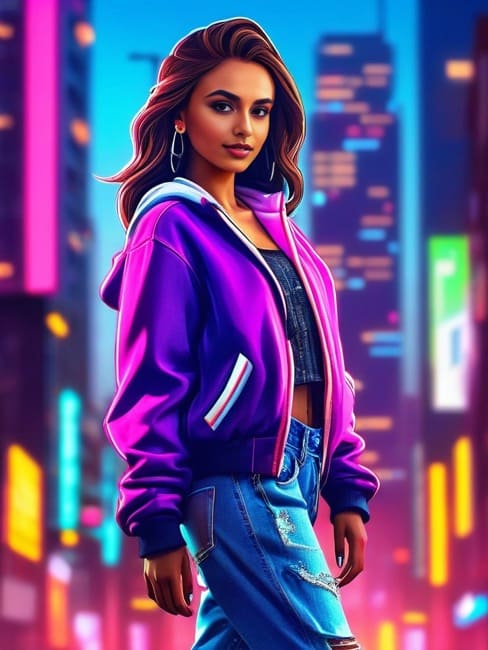
Step into a virtual adventure as a cartoon style inspired game character. Your game, your rules.
Drop your photo
or click to browse · JPG or PNG · clear, well-lit selfie works best
Or try these example styles
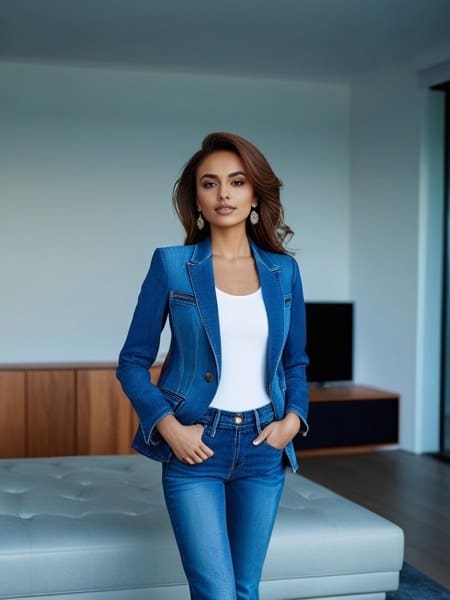
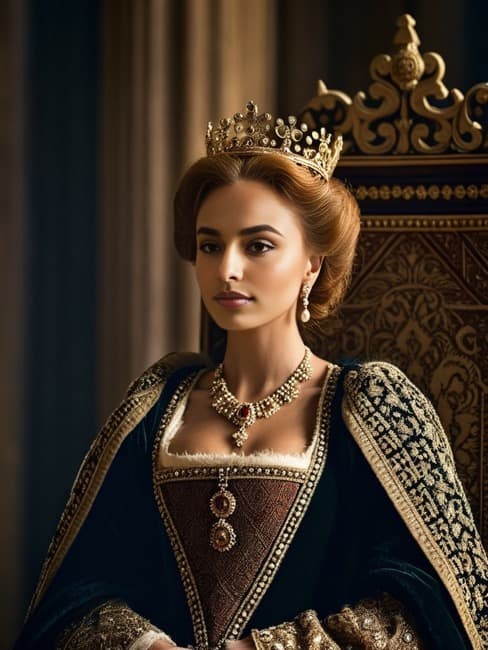
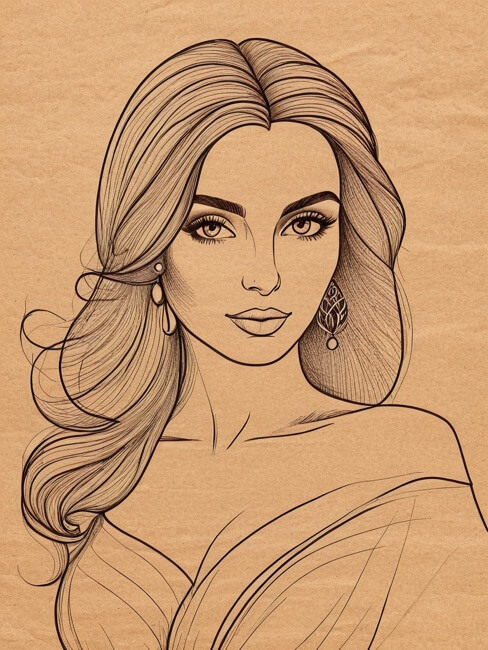
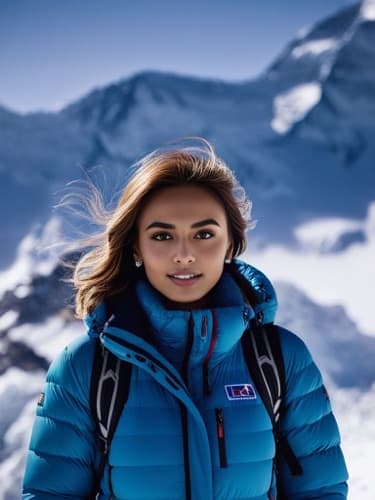
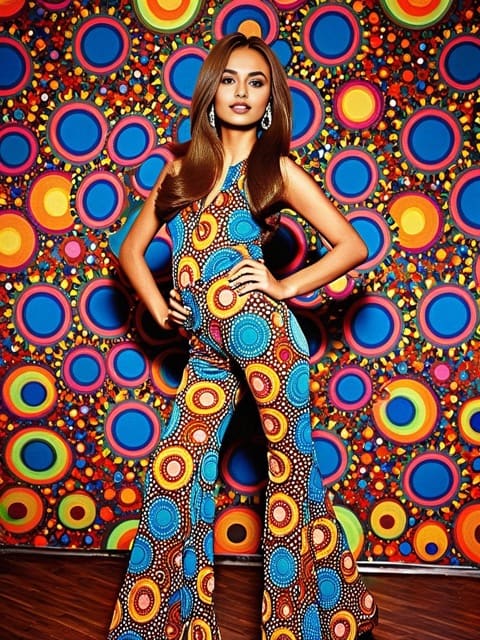
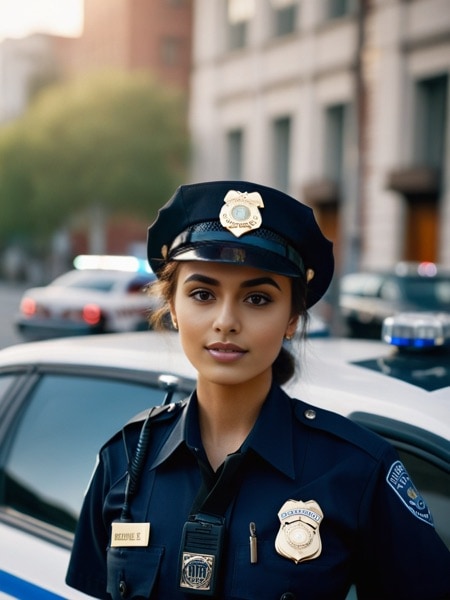
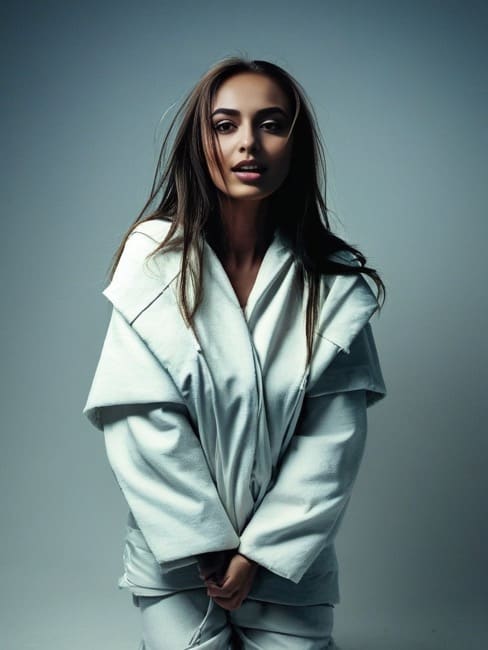
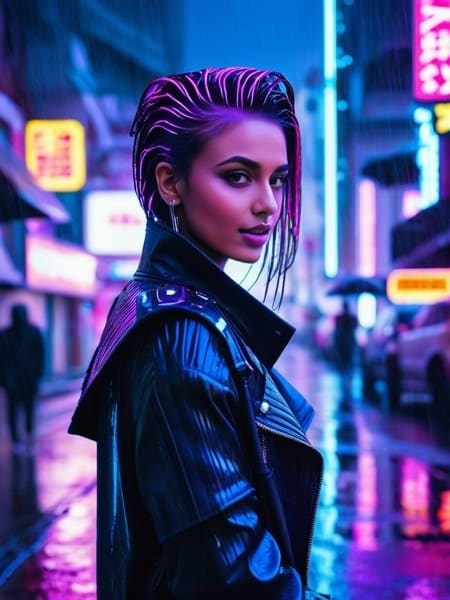
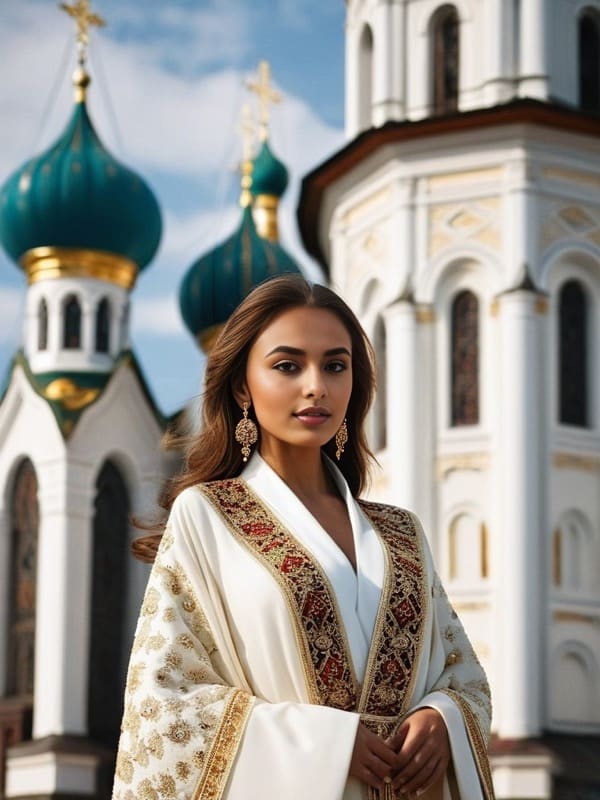
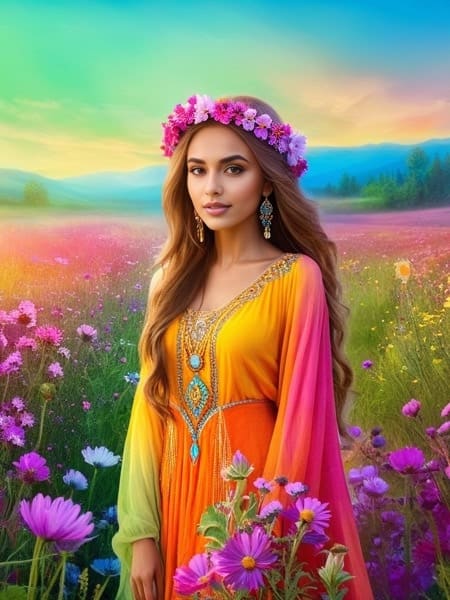
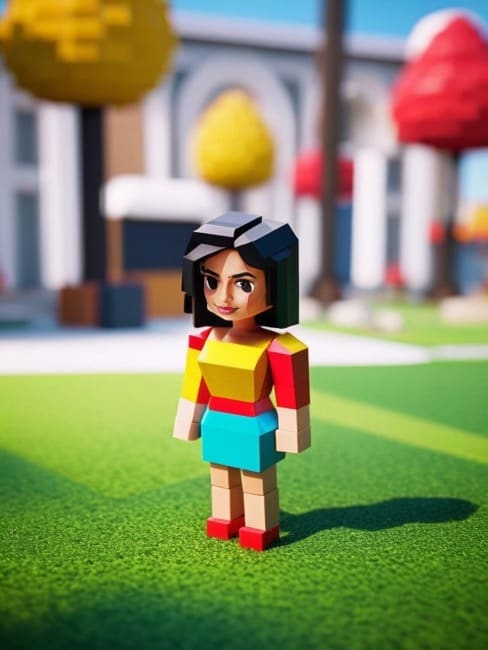
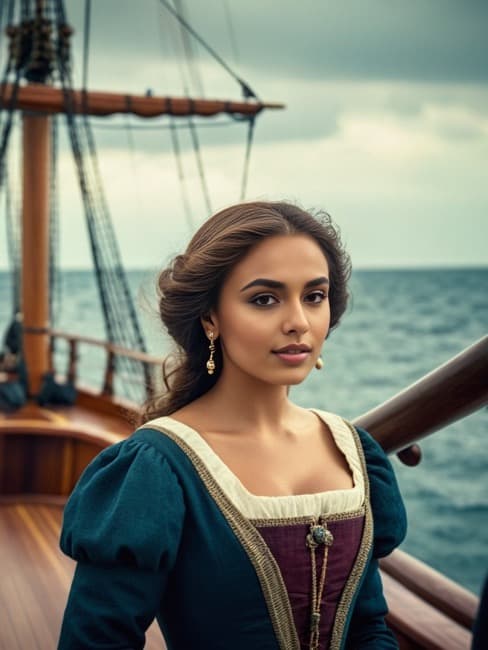
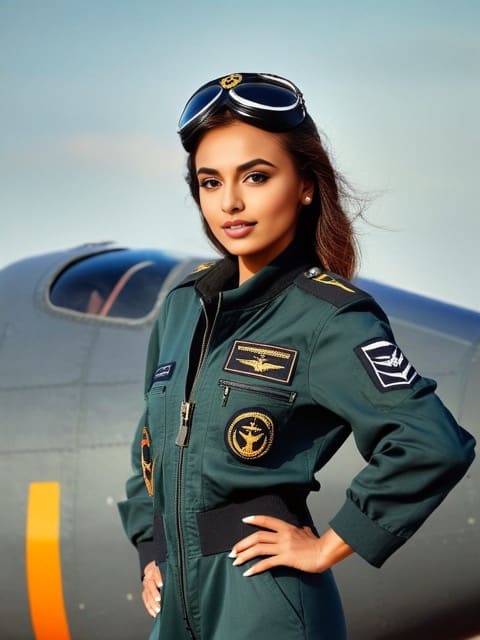
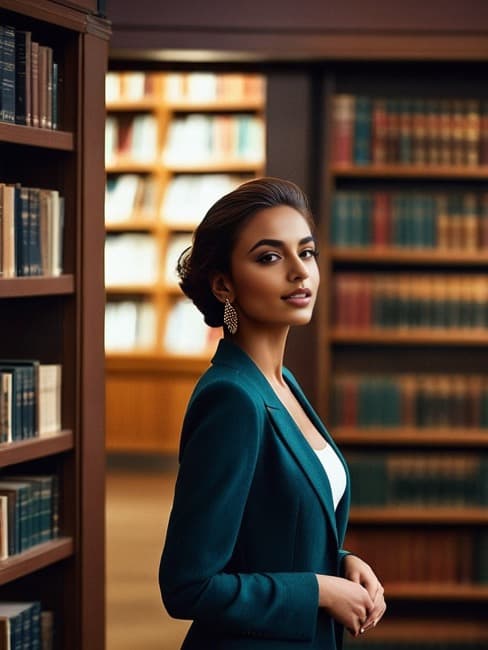

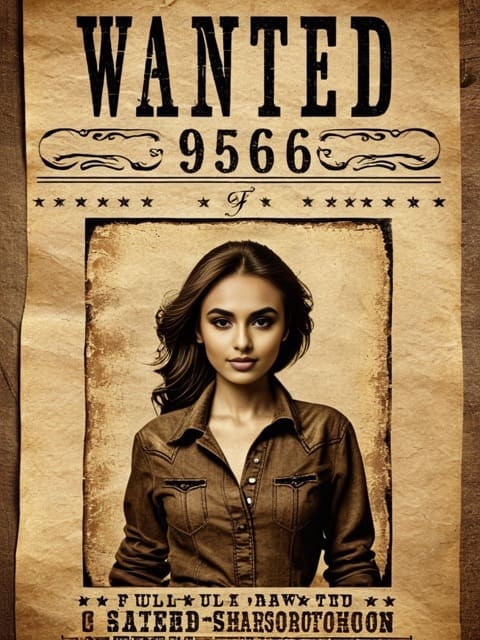
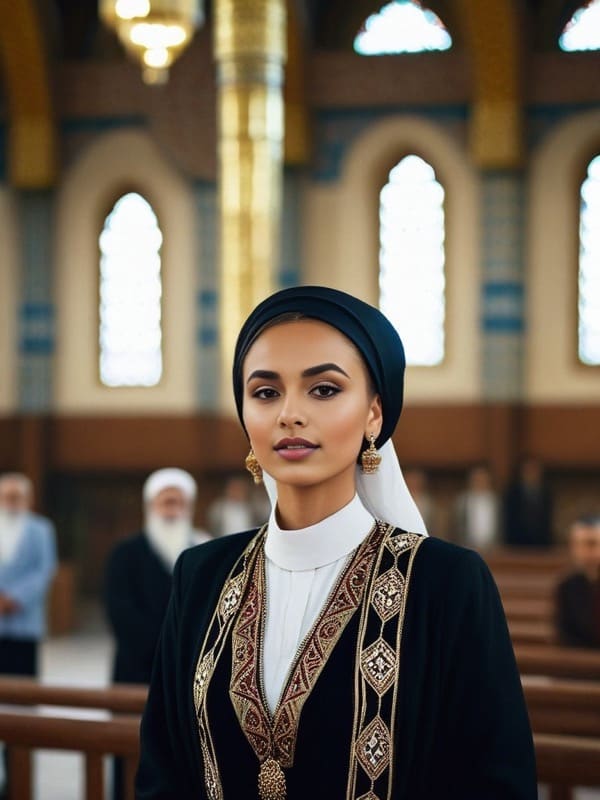
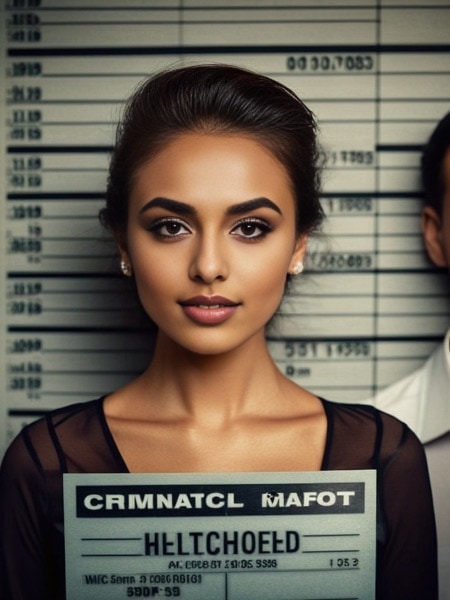
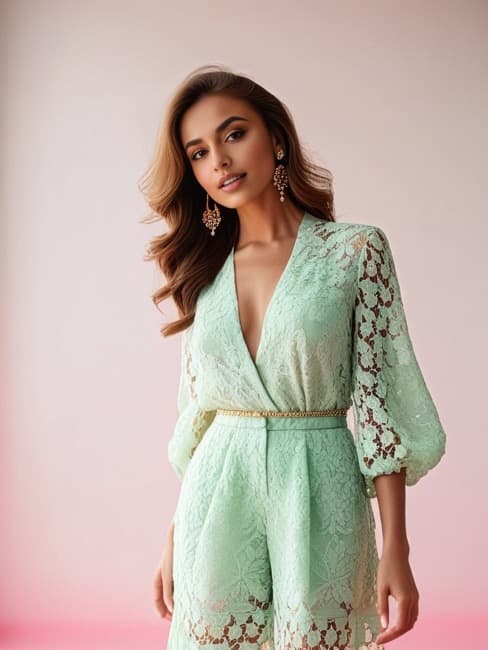
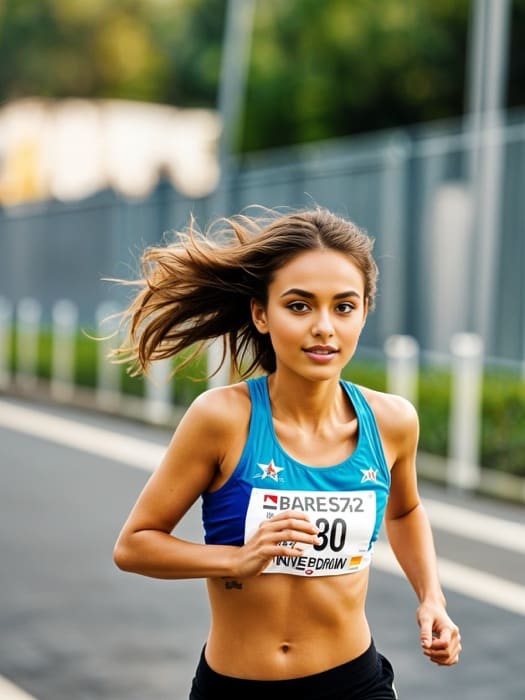
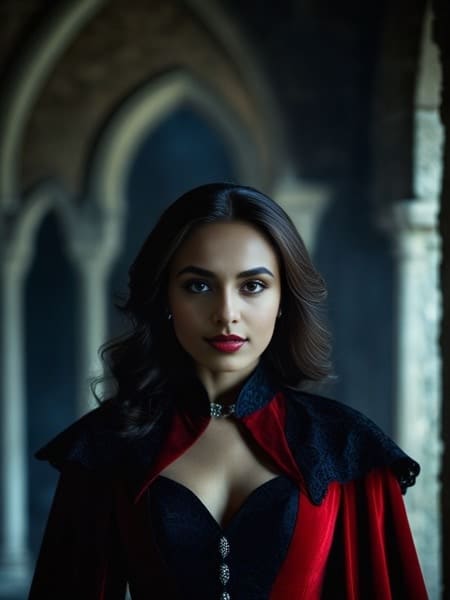
How to make AI portrait images with Pincel
Three steps to a gallery of Video Game portraits.
Upload your photo
Pick a clear, well-lit photo where your face is centered. JPG or PNG works great.
Choose how many
Slide from 1 to 30. Each generated portrait uses a different scene variation while keeping the preset.
Watch the magic unfold
Each result appears as soon as it’s ready. Click Enhance on any portrait for sharper detail.
Frequently Asked Questions
How does Pincel work?
Pincel reads the unique features of your face from a single uploaded photo, then composites them into a wide range of styled scenes. Each generated portrait uses a different scene variation while keeping the preset topic the same.
Can I upload any photo of myself?
Yes, you can upload any clear and well-lit photo of yourself. For the best results, we recommend using a high-quality image where your face is well-centered and properly illuminated.
How long does it take?
Each portrait takes about 10–20 seconds. A run of 10 portraits typically wraps in 3–5 minutes — and each one appears in the gallery as soon as it’s ready.
Is my personal data secure?
Absolutely. At Pincel, we prioritize the security and privacy of your data. We do not share or sell your data to third parties. We also don’t store processed or generated photos.
What is the size of AI portrait images?
Each AI photo is generated at the size of 768x1024px.

Brand-safe AI image editing for product photos, marketing visuals, and business content.