AI Hair Studio
See it before you cut it. Preview hairstyles and hair colors instantly.
Upload a photo of your face
Click or drag & drop. Front-facing works best.
Natural
Bold
Upload a photo to get started
Try These Examples:

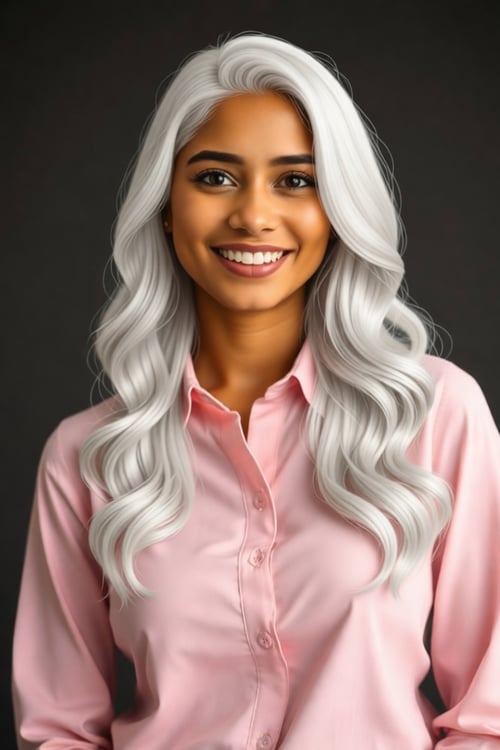
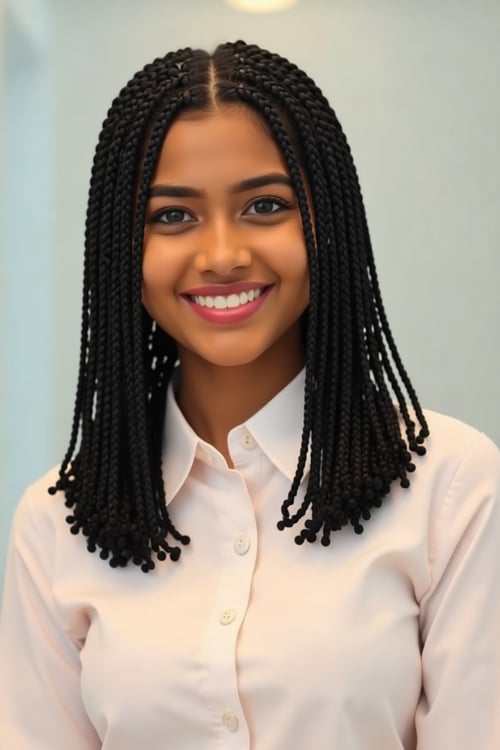
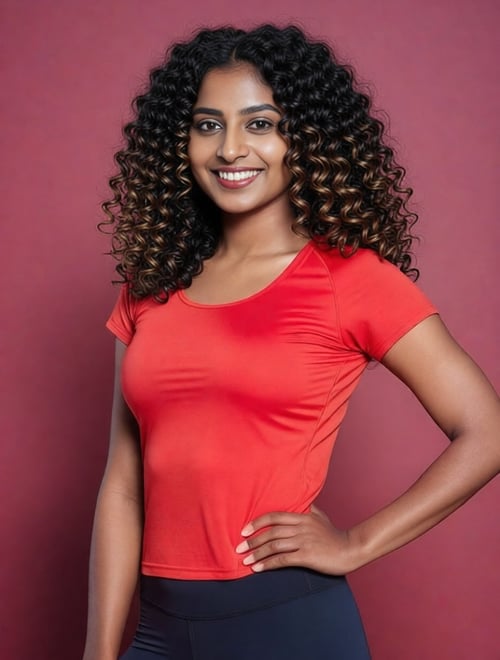
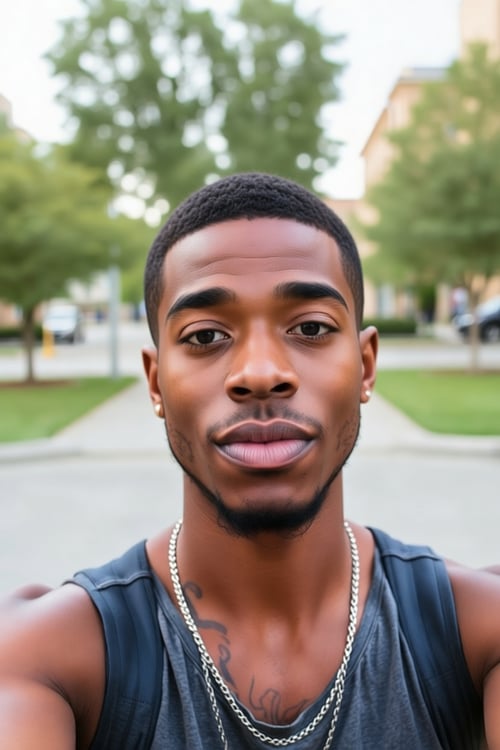
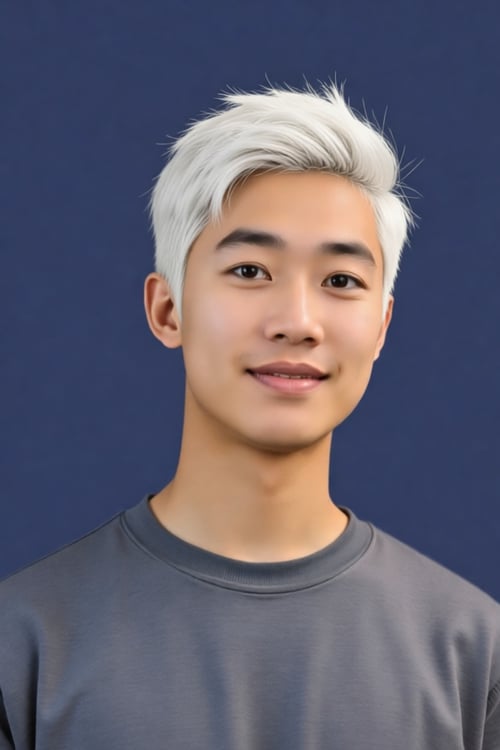
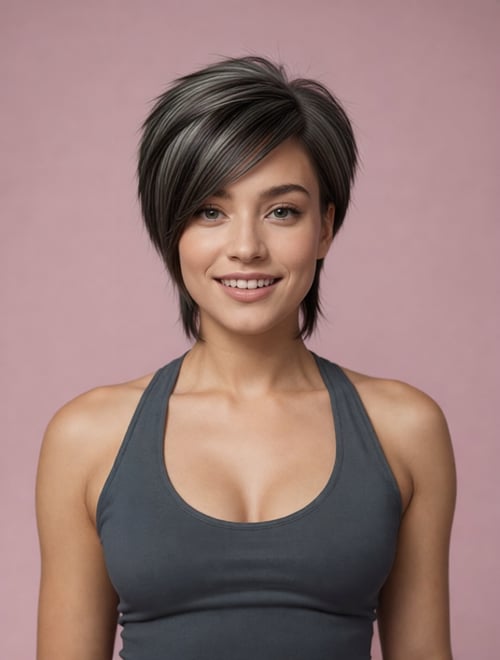

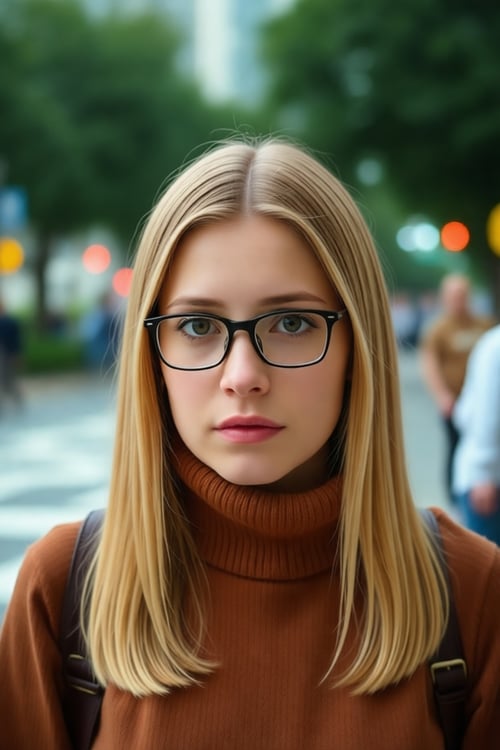
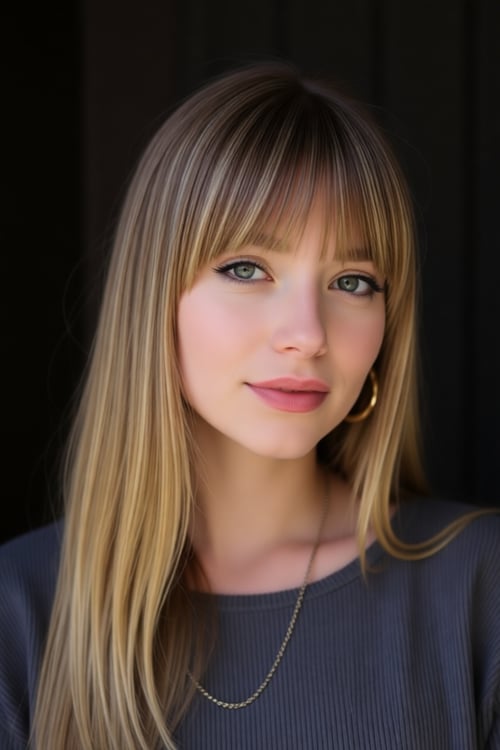
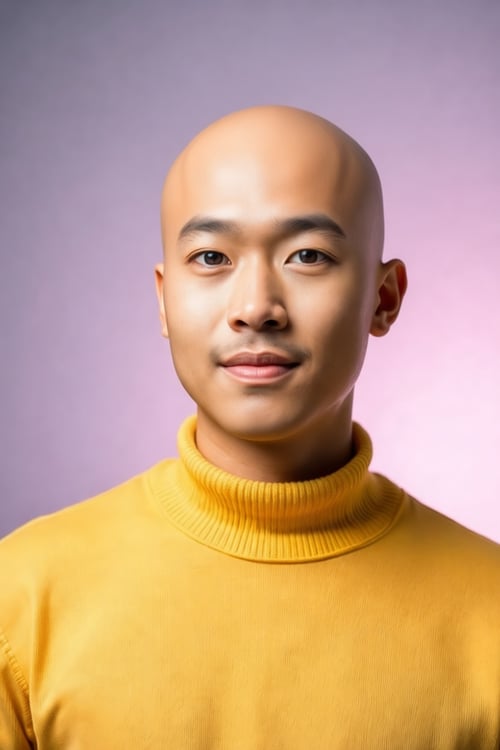

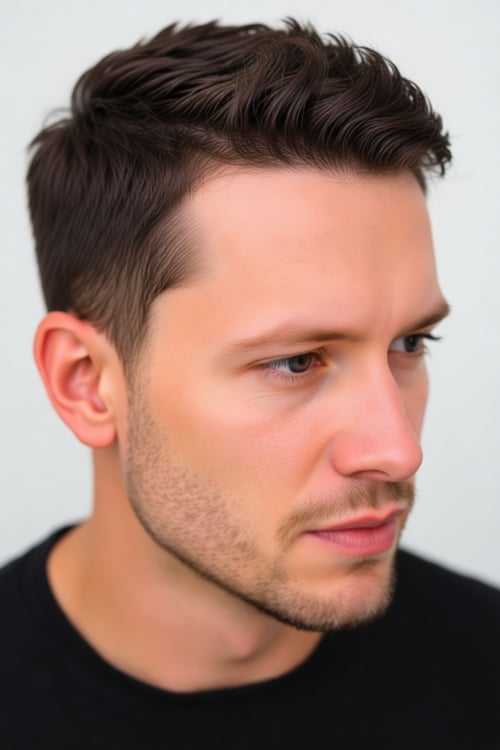
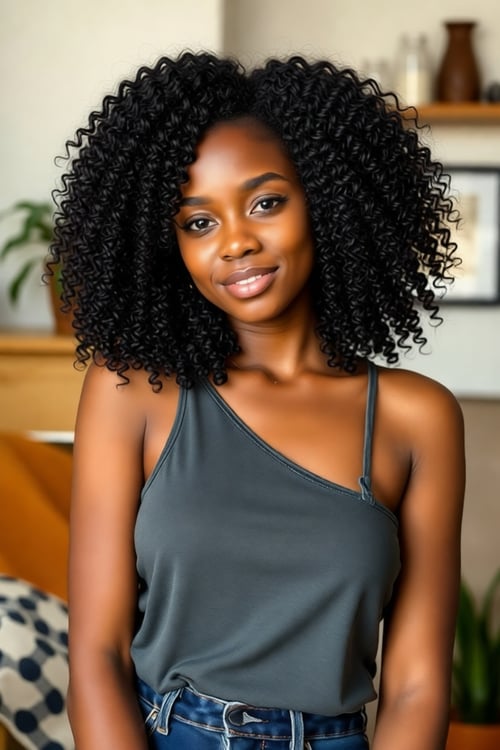
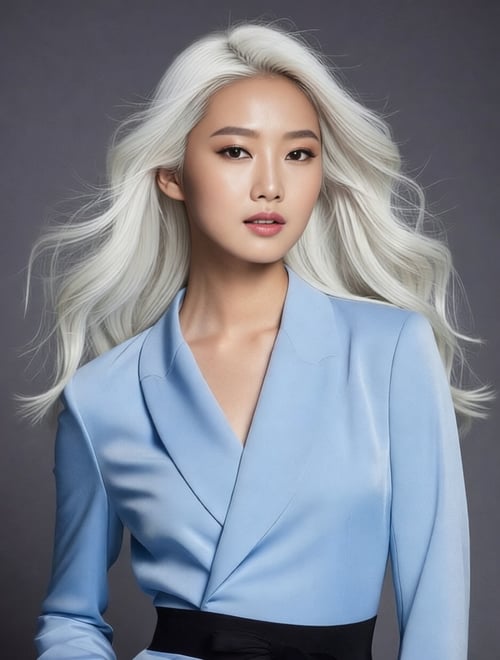
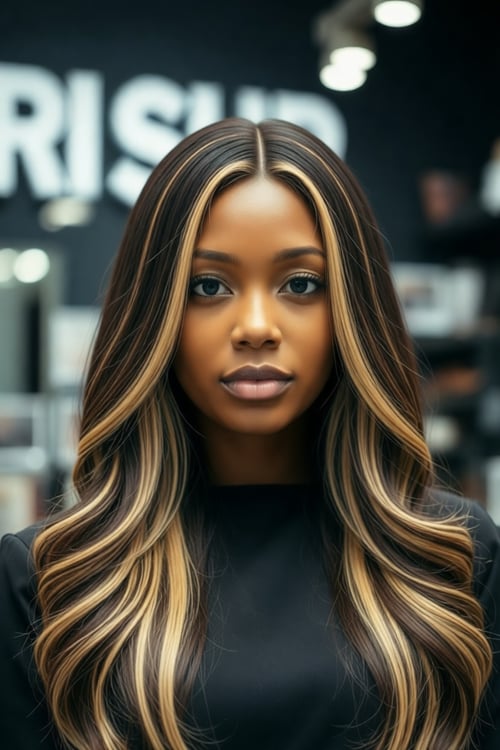
How It Works
Three steps to your new look. No prompt writing, no guesswork.
Upload Your Photo
Upload a clear, front-facing photo. The AI works best with good lighting and a visible face.
Choose Your Style
Pick a hair color, cut, length, texture, or beard style from the visual controls. Mix and match freely.
See Your New Look
Get a realistic preview in seconds. Compare before and after, then download or try another style.
Frequently Asked Questions
How does AI Hair Studio work?
Upload a photo of your face, pick a hairstyle, color, length, or beard style from the visual controls, and AI generates a realistic preview of how you'd look. No prompt writing needed — just tap and transform.
What kind of photos work best?
Clear, front-facing photos with good lighting work best. The AI preserves your face and expression while only changing the hair or beard. Side profiles are supported but may be less accurate.
How many credits does it cost?
Each transformation costs 2 credits. You can generate as many variations as your credit balance allows.
Is my photo kept private?
Yes, all uploaded and generated photos are automatically deleted within 60 minutes. We do not store your images.
Can I use the results commercially?
Yes, you can use the generated images commercially. Make sure you have the rights to the original photo you upload.

Brand-safe AI image editing for product photos, marketing visuals, and business content.