AI Sound Effect Generator
Generate custom sound effects from text descriptions using AI. Create unique SFX for videos, games, podcasts, and more in seconds.
Your generated sound effect will appear here
Try These Example Sound Effects:
 🎵 Audio
 🎵 Audio
 🎵 Audio
 🎵 Audio
 🎵 Audio
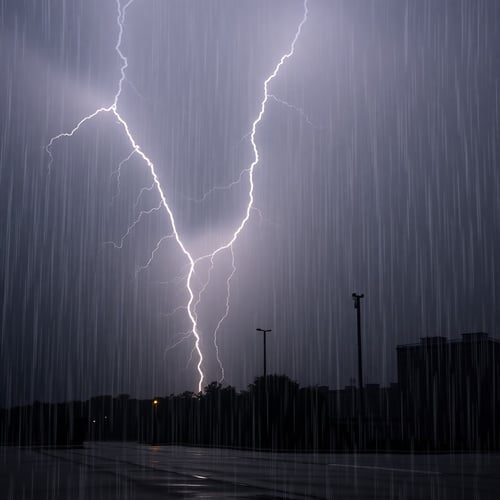 🎵 Audio
 🎵 Audio
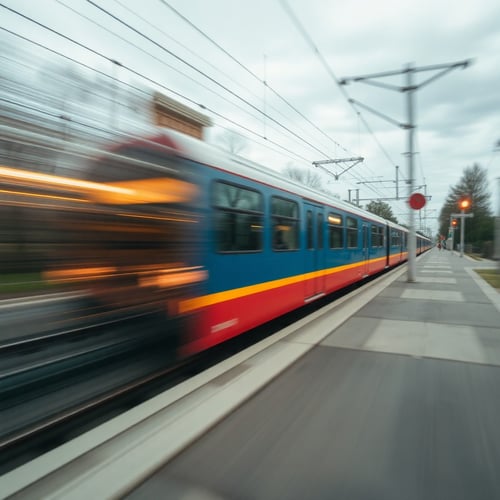 🎵 Audio
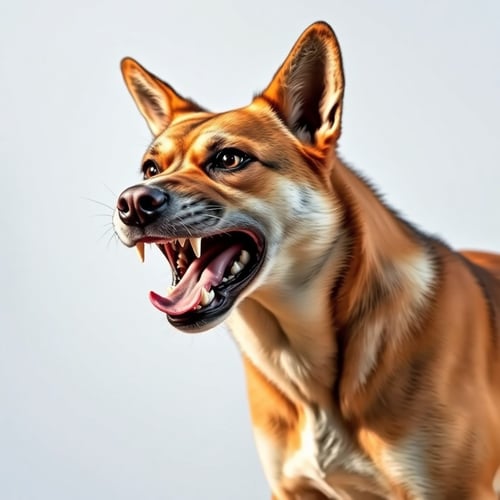 🎵 Audio
 🎵 Audio
 🎵 Audio
 🎵 Audio
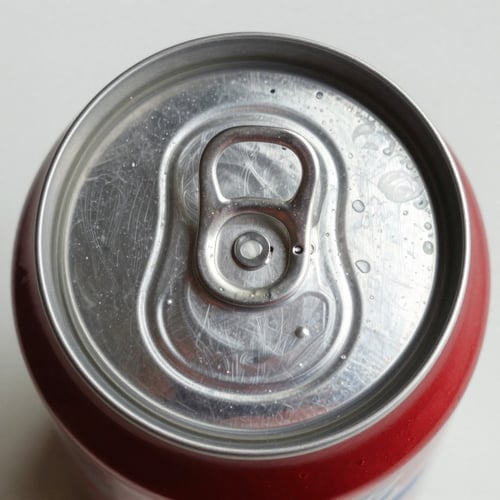 🎵 Audio
 🎵 Audio
 🎵 Audio
How to Generate Sound Effects with Pincel
Create custom sound effects in seconds. Just describe what you want to hear and our AI will generate it for you.
Describe Your Sound
Type a description of the sound effect you need, like "thunder rolling in the distance" or "spaceship engine humming".
Adjust Settings
Set the duration and prompt influence to fine-tune how closely the AI follows your description.
Generate & Download
Click "Generate," preview your sound effect and download it instantly in MP3 format!
Frequently Asked Questions
What kinds of sound effects can I generate?
You can generate virtually any sound effect by describing it in text. This includes nature sounds (rain, thunder, wind), urban sounds (traffic, sirens), mechanical sounds (engines, machinery), sci-fi effects (lasers, spaceship engines), musical elements (cinematic booms, risers), and much more.
How long can a sound effect be?
Sound effects can be generated with a duration between 0.5 and 30 seconds. Use the duration slider to set your desired length.
What does the prompt influence slider do?
The prompt influence controls how closely the AI follows your text description. A lower value gives the AI more creative freedom, producing more varied and surprising results. A higher value makes the output more closely match your description.
What format are the sound effects in?
Sound effects are generated in MP3 format, making them compatible with most audio and video editing software, games, and platforms.
Can I use the sound effects commercially?
Yes! Sound effects generated with your Pincel subscription can be used in your commercial projects, including videos, games, podcasts, and presentations.

Brand-safe AI image editing for product photos, marketing visuals, and business content.