AI Text Effects
Type your text and apply stunning AI-powered effects. From 3D to neon, glass to fire.
Drag to reposition text
Select an effect preset
How It Works
Three steps to stunning text effects. No design skills needed.
Type Your Text
Enter any text and customize the font, size, color, and position on the canvas.
Choose an Effect
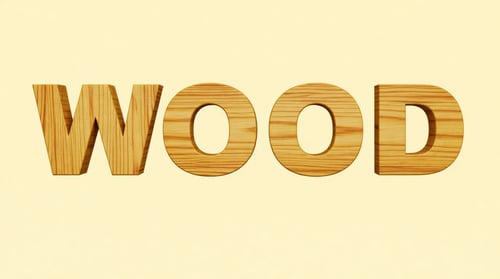
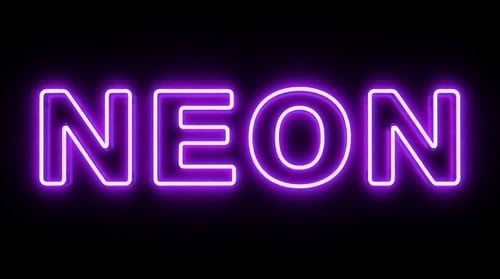
Pick from stunning presets like 3D, neon, glass, fire, gold, and many more.
Get Your Result
AI transforms your text with photorealistic effects. Download or try another style.
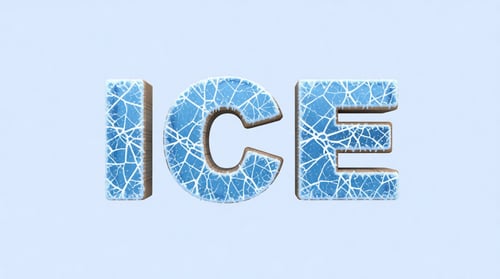
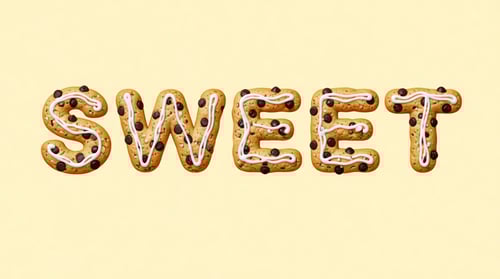
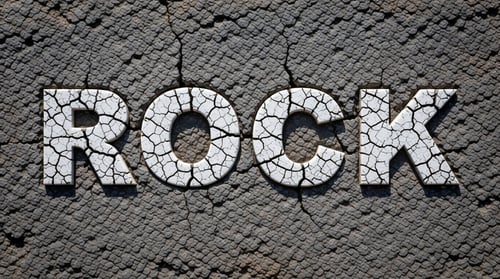
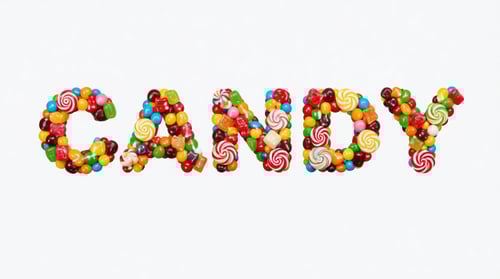
Text Effect Examples
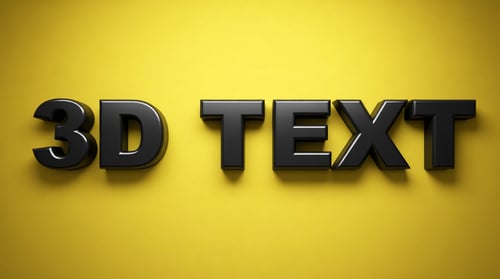
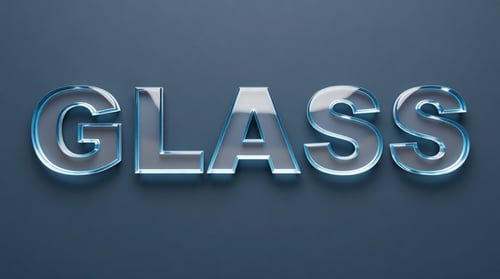
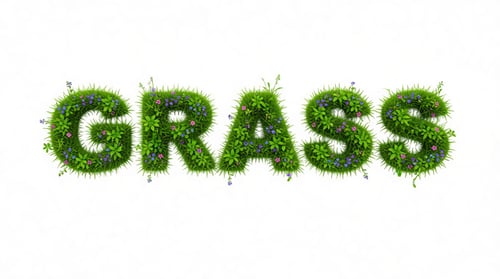
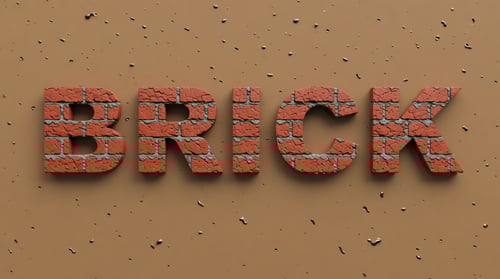

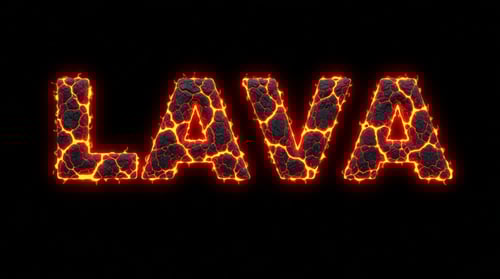

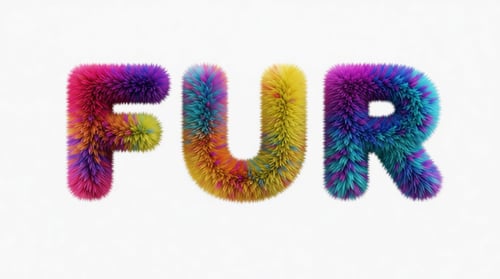
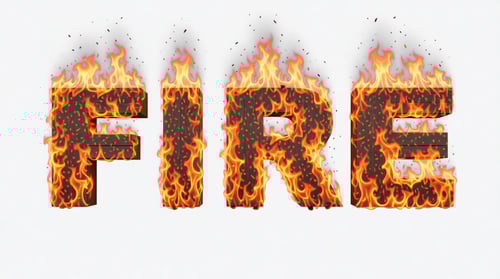
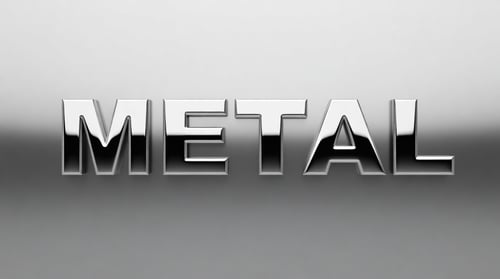
Frequently Asked Questions
How does AI Text Effects work?
Type your text, customize the font and appearance, then pick an effect like 3D, neon, or glass. AI transforms your text with photorealistic effects while keeping it readable.
What kind of text works best?
Short, bold text works best — one to three words with a large font size. Use high contrast between text and background for the clearest results. Bold or Black font weights are recommended.
How many credits does it cost?
Each text effect generation costs 2 credits. You can generate as many variations as your credit balance allows.
Can I customize beyond the presets?
Yes! Use the "Add custom instructions" option to describe exactly what you want. You can combine it with any preset for fine-tuned results.
Can I use the results commercially?
Yes, you can use the generated text effect images for any commercial or personal project.

Brand-safe AI image editing for product photos, marketing visuals, and business content.