MedicalAI generator
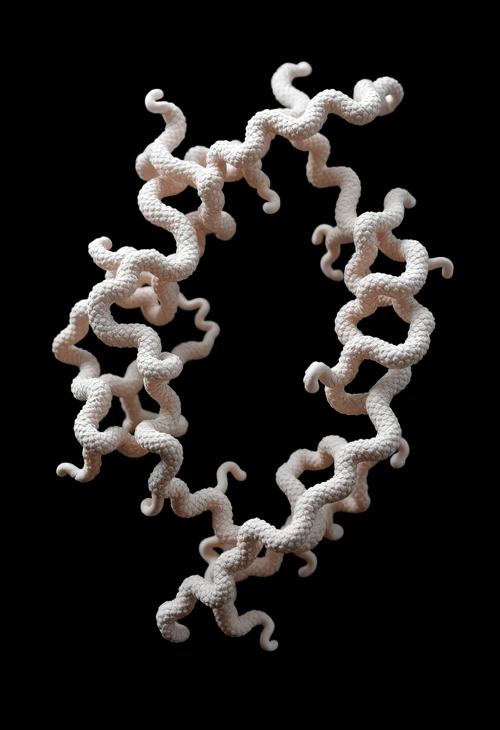
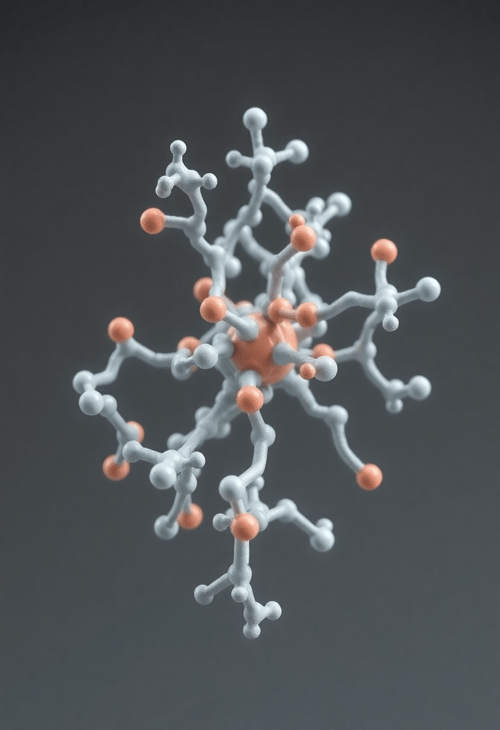
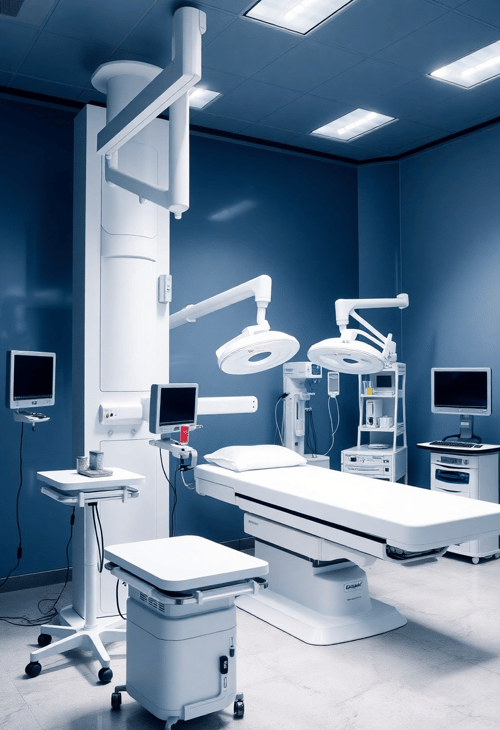
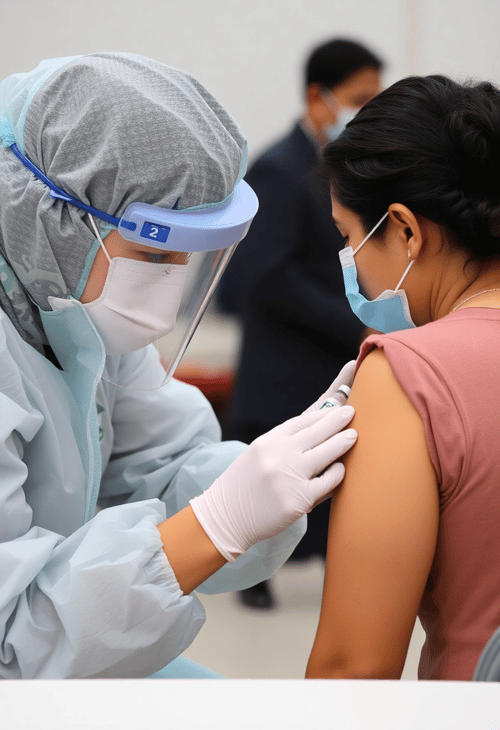
Discover The Future Of Healthcare With Medical AI Generator! Effortlessly Generate Healthcare Themed Stock Photos For Your Projects.

Try These Examples:



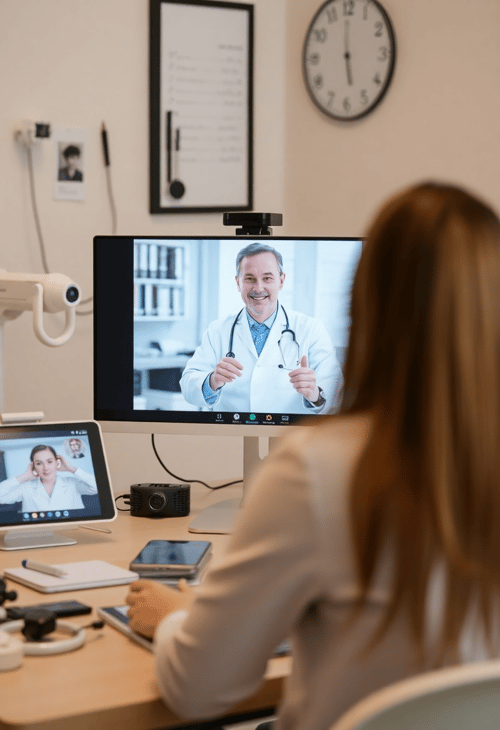
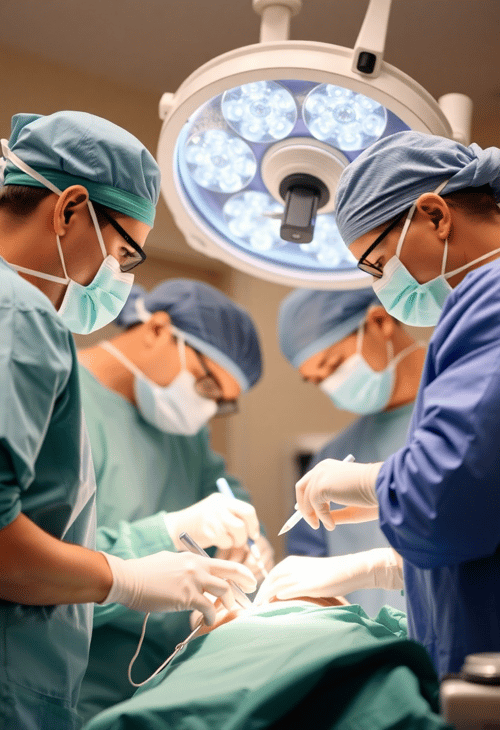
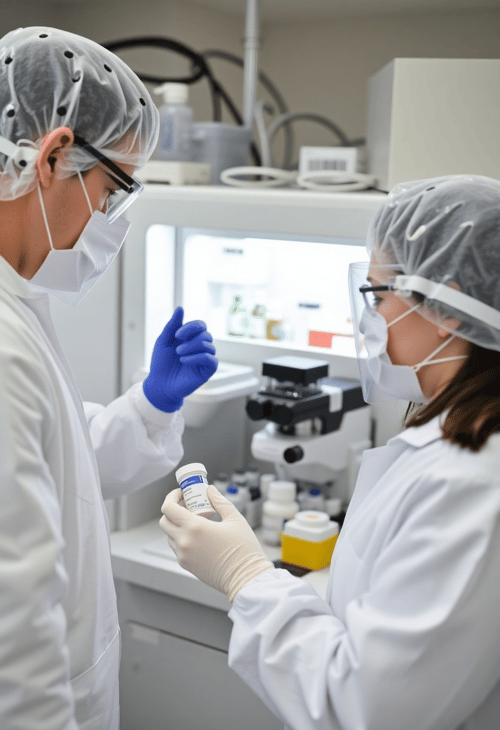

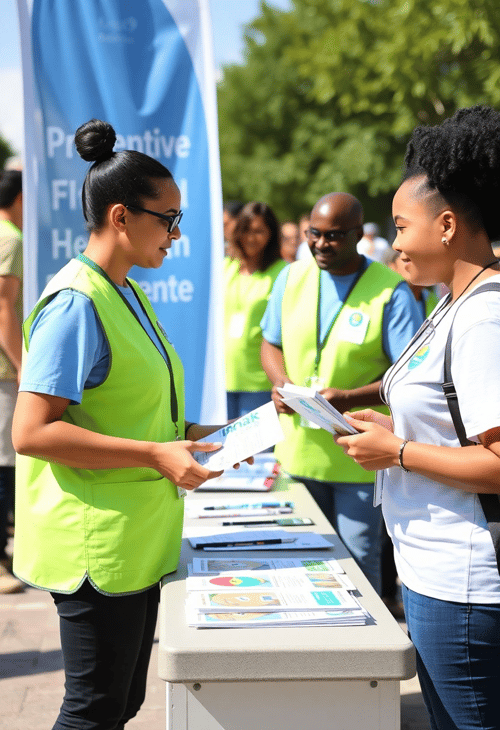




How it works
Three steps to a beautiful image — open the tool, write a prompt, generate.
Open the generator
Hit the Generate button to open the full Pincel text-to-image tool with 10+ frontier models.
Describe your image
Type your idea, optionally apply a style preset, set an aspect ratio and quality.
Generate & download
Hit generate, watch the result appear, then download or upscale 2x. Tweak and run again.
Frequently Asked Questions
Can I use the images commercially?
Yes, you can use the images for commercial purposes, including reselling and modifying.
What sizes are supported?
All models render up to roughly 1 megapixel by default — and selected Pro models support a "high" quality option for 2 MP+ output. You can also upscale any result 2x with the Pincel Upscaler.
What styles can I create?
The style possibilities are endless and depend on your prompt and the chosen style preset. From photoreal portraits to anime, retro illustration, vector and pixel art.
Can I use another photo as reference input?
For this, use the Pincel AI Image Replicator or AI Image Studio — they support reference images.
Can I print the result?
Yes — pick the "high" quality tier where available, then upscale before printing.
Can I remove the background?
Yes, but for best results use Pincel's transparent PNG generator or the AI Background Remover.

Brand-safe AI image editing for product photos, marketing visuals, and business content.