AI Face Styler
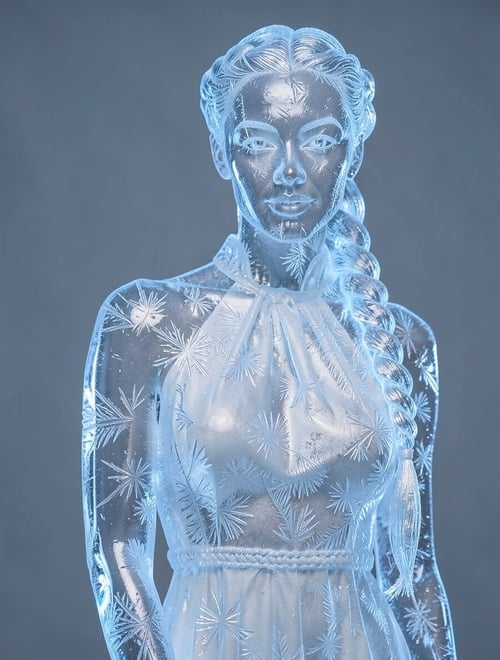
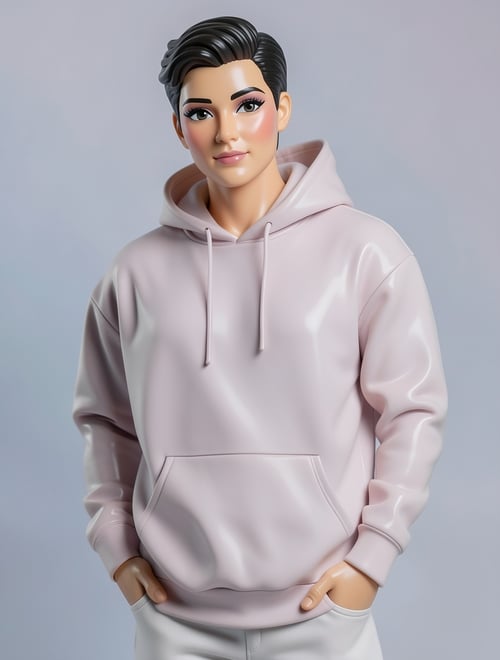
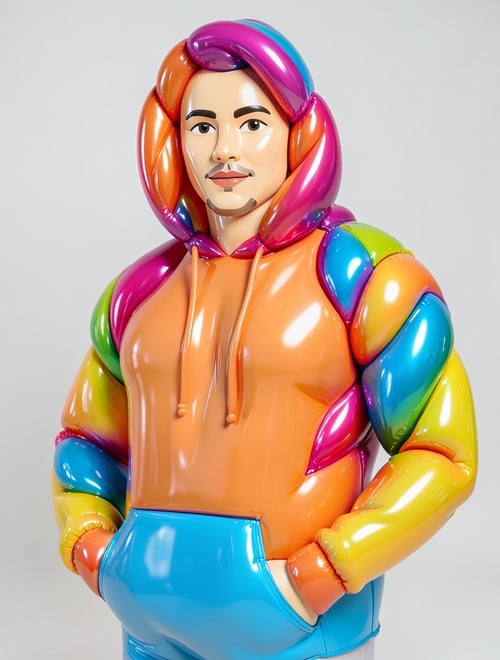
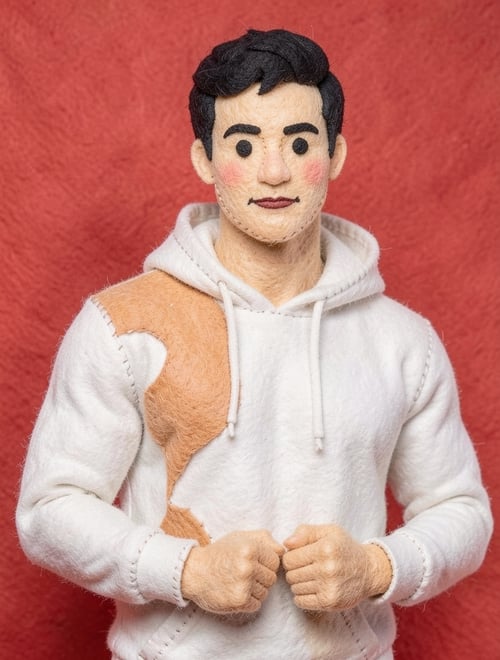
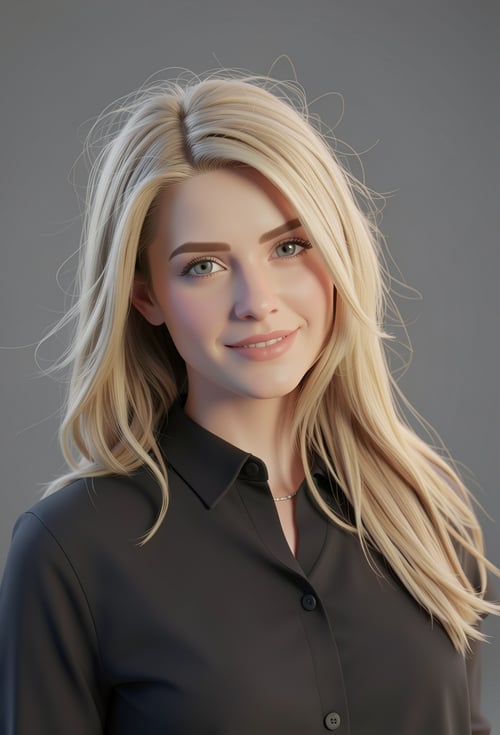
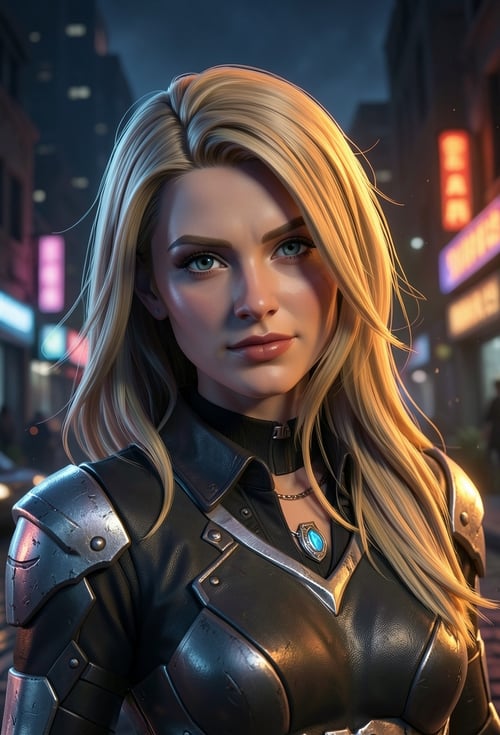
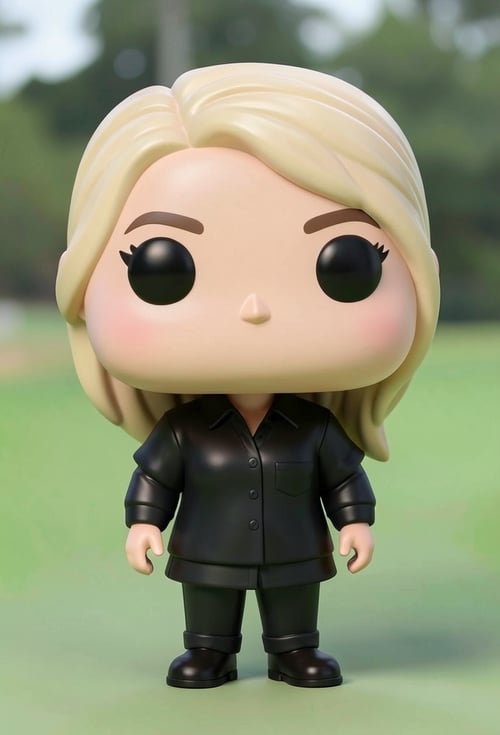
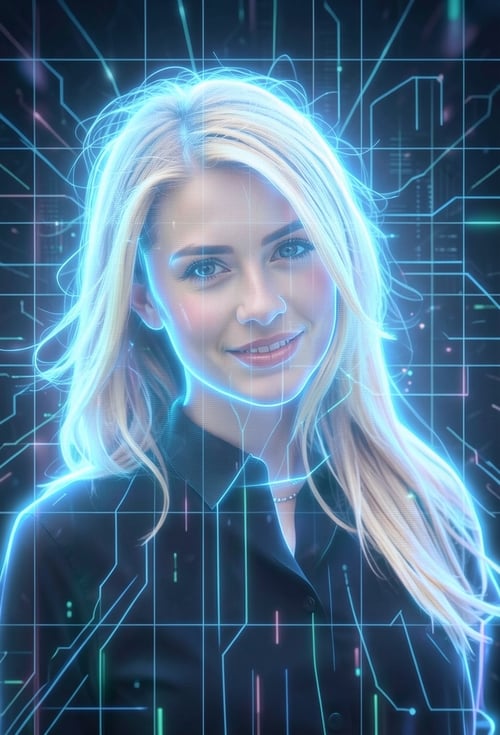
Turn your face into creative 3D, emoji, pixel art, video game, claymation, or toy styles in seconds. Upload a photo and see yourself in a whole new way!
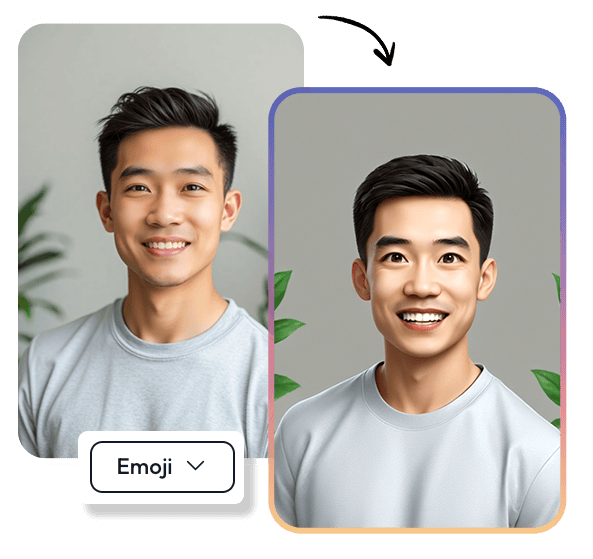

Try These Examples:
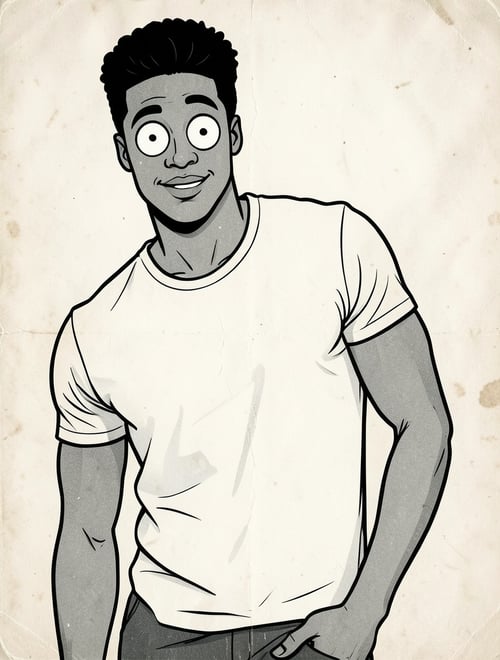
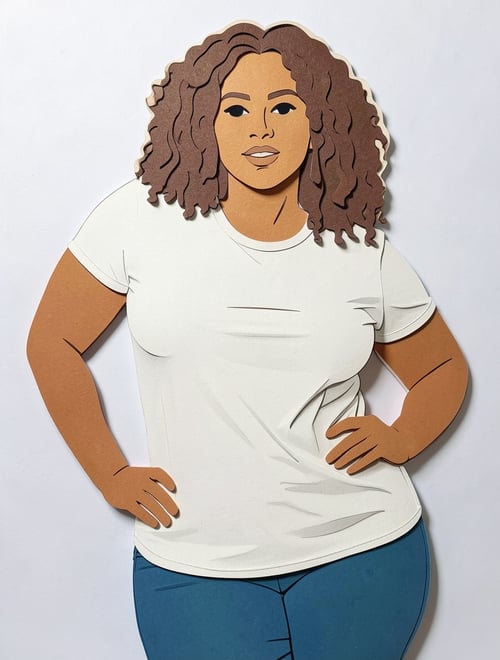
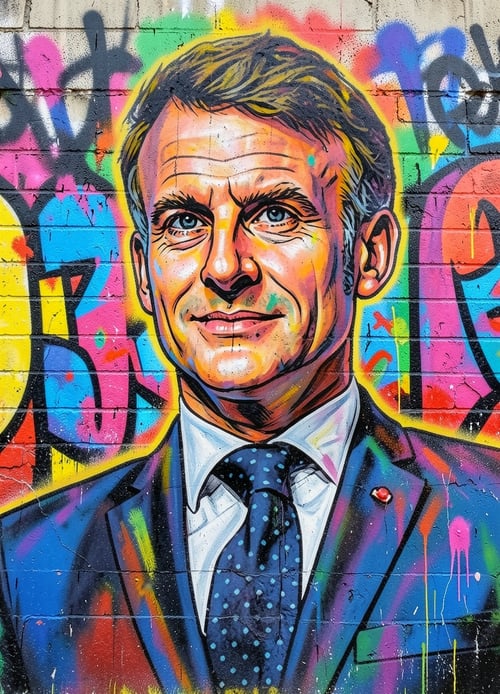

How it Works
Easily turn your face into creative styles with AI. Follow these three simple steps to get a unique look in seconds!
Step 1: Upload Your Photo
Choose a clear photo of your face and upload it to Face Styler.
Step 2: Pick a Style
Select from 3D, emoji, pixel art, video game, claymation, or toy styles—or explore many more presets from the dropdown.
Step 3: Get Your New Look
Let AI transform your face, then download or add it to your public media.
Frequently Asked Questions
What is Face Styler?
Face Styler is an AI-powered tool that transforms your face into creative styles like 3D, emoji, pixel art, video game, claymation, and toy.
How does it work?
Simply upload a photo, choose a style, and let AI generate your transformed face instantly.
Can I control how much my face changes?
Yes! The AI keeps your facial identity while applying the selected style. For extra control, describe what you want in the prompt field—for example lighting, background, outfit, or mood.
What type of photos work best?
For the best results, use a high-quality photo with a clear, front-facing and closeup view of your face.
Does it work with multiple people in one photo?
Yes, but all faces should be near the camera. If faces are too far apart or too small on the photo, the AI may distort them or focus only on the most prominent one.

Brand-safe AI image editing for product photos, marketing visuals, and business content.