AI 3D Model Generator
Generate 3D models from a text description or a reference image.
0/1024 characters
20 credits per generation
Your 3D model will appear here
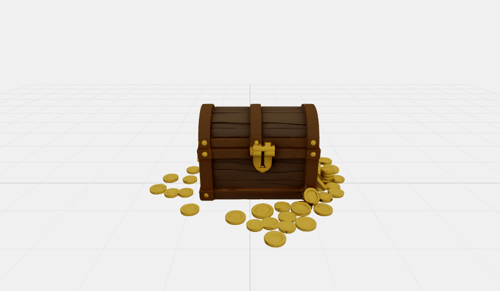
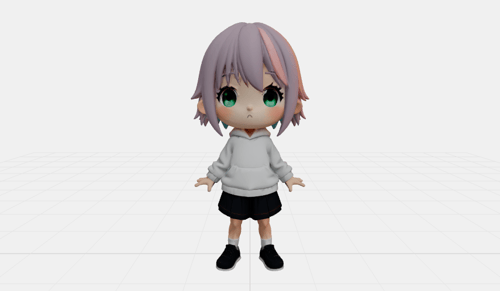
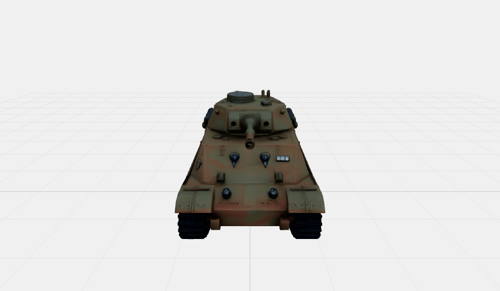
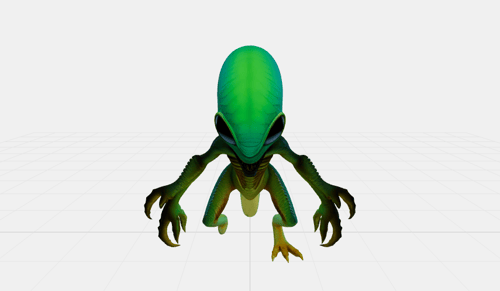
Try These Examples:
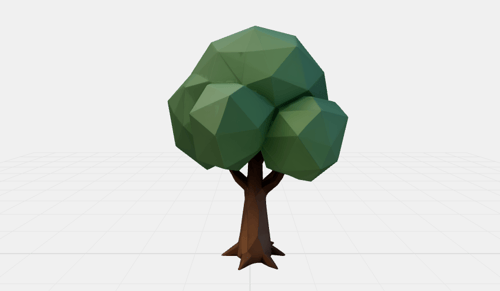
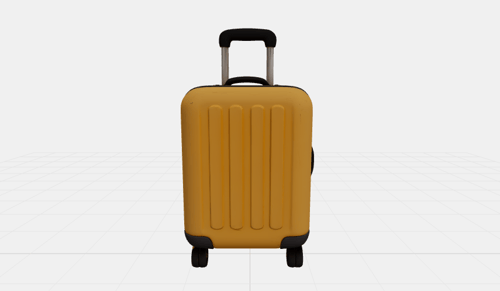
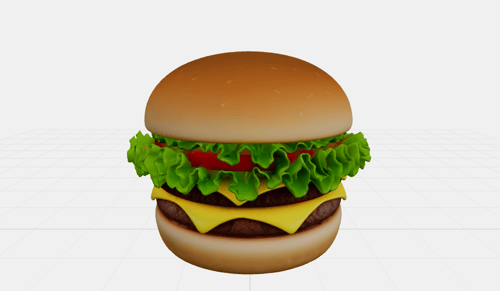
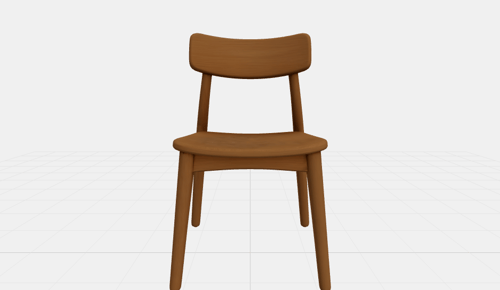
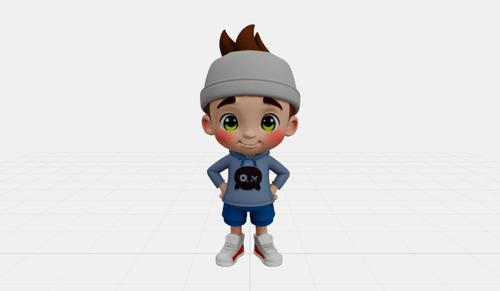
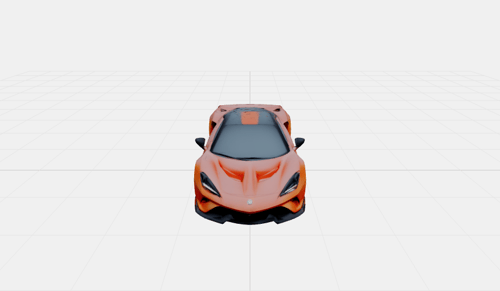
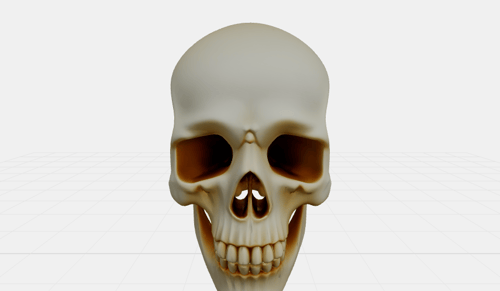
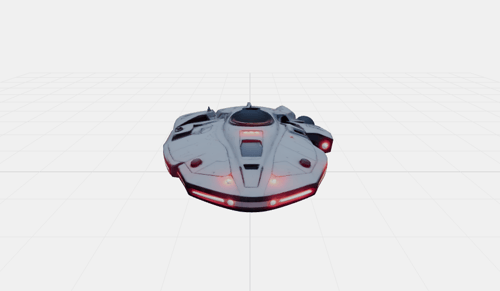
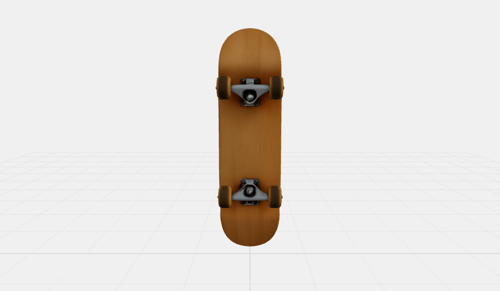
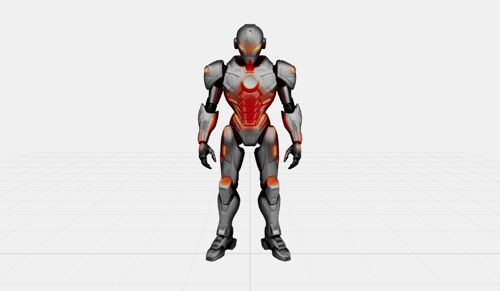
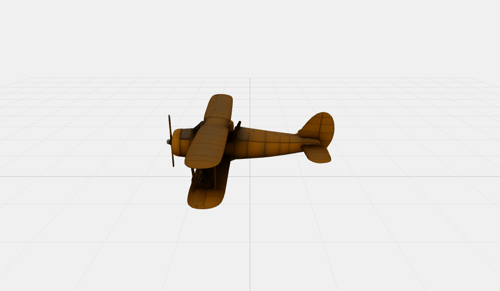
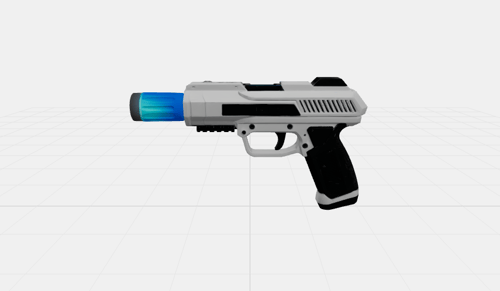
How it Works
Create 3D models from text or images in three simple steps.
Step 1: Describe or Upload
Type a text description of the 3D model you want, or upload a reference image of an object to convert into 3D.
Step 2: Generate
Click generate and our AI will create a detailed 3D model complete with textures and geometry.
Step 3: Preview & Download
Interact with your 3D model in the viewer. Rotate, zoom, and pan to inspect it from every angle, then download the GLB file.
Frequently Asked Questions
What is the AI 3D Model Generator?
It's an AI-powered tool that creates 3D models from text descriptions or reference images. The output is a standard GLB file you can use in any 3D software, game engine, or web application.
What input works best?
For text prompts, be specific and describe a single object (e.g. "a wooden treasure chest" rather than "a room full of furniture"). For image references, use a photo of a single object against a simple background where the object fills most of the frame.
What is PBR material?
PBR (Physically Based Rendering) generates realistic material maps (metalness, roughness, normal) that make the model look more realistic under different lighting conditions. Enable this if you plan to use the model in a game engine or 3D renderer.
What is the face count setting?
Face count controls the number of polygons in the generated model. Higher values produce more detailed geometry but result in larger file sizes.
What can I do with the GLB file?
GLB is a standard 3D format supported by Blender, Unity, Unreal Engine, Godot, and most 3D tools. You can use it for 3D printing, game assets, AR/VR experiences, product visualization, and more.
How long does generation take?
Generation typically takes 1-3 minutes depending on the complexity of the input and the selected face count. The viewer will automatically load your model once it's ready.

Brand-safe AI image editing for product photos, marketing visuals, and business content.