Creative AI Generator
Unleash Your Imagination With The Creative AI Generator! Design AI Art And Discover Endless Possibilities With The Magic Of AI Creativity.
1
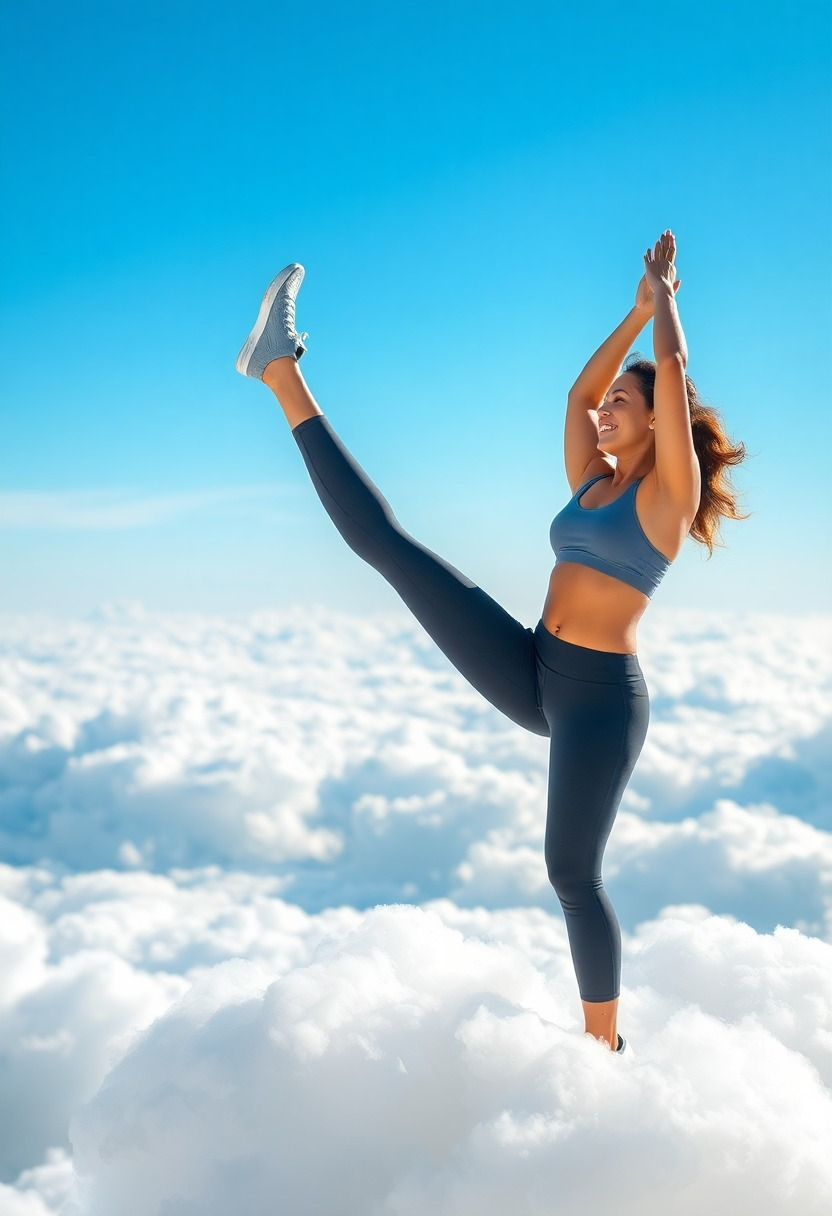
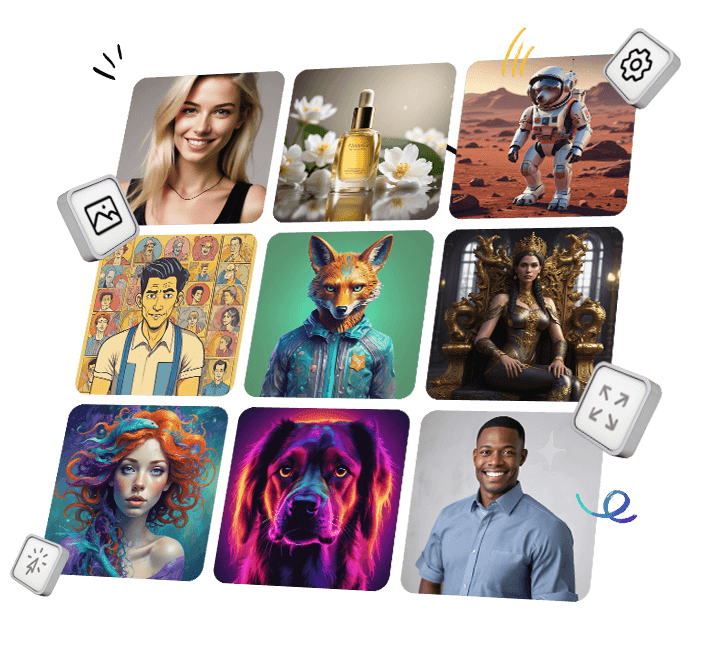
Try These Example Prompts:
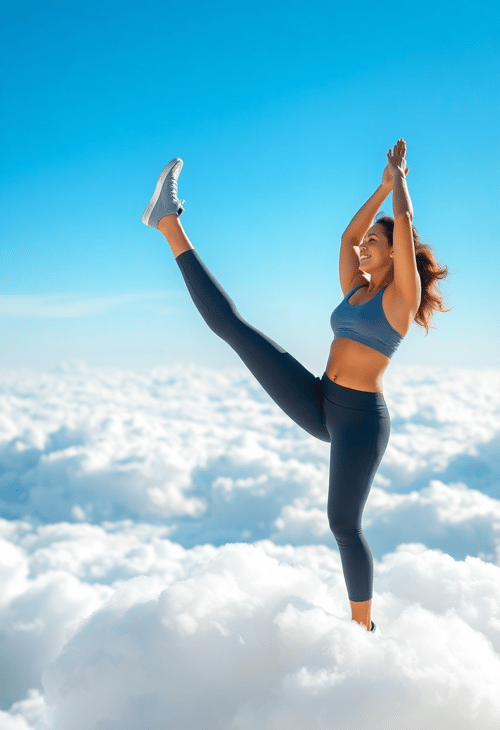
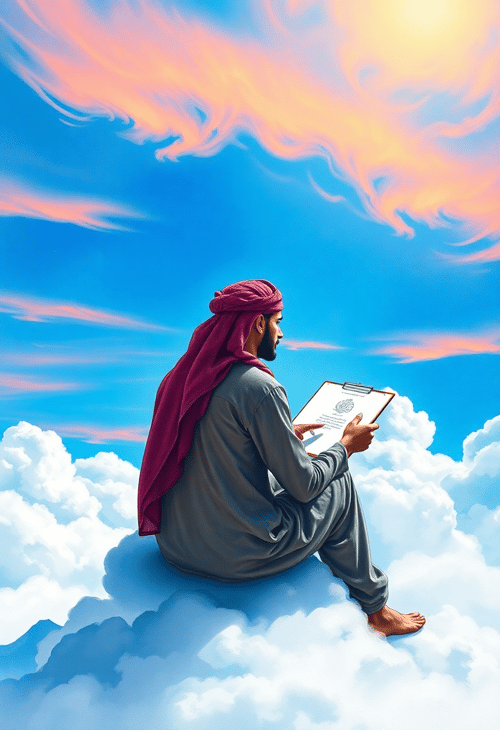
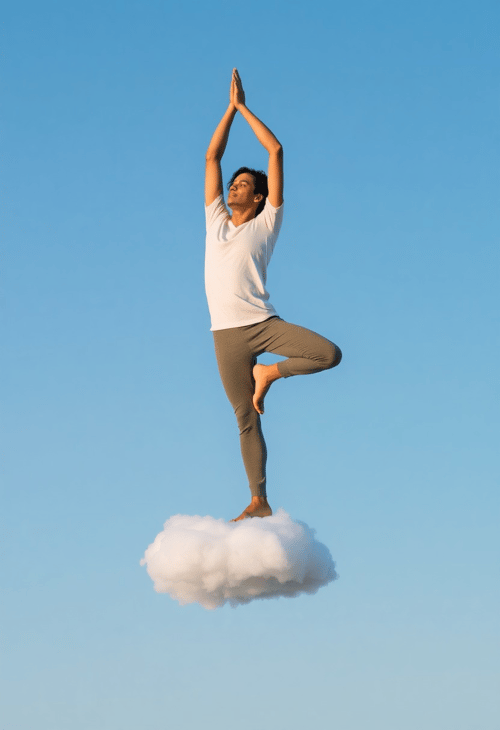

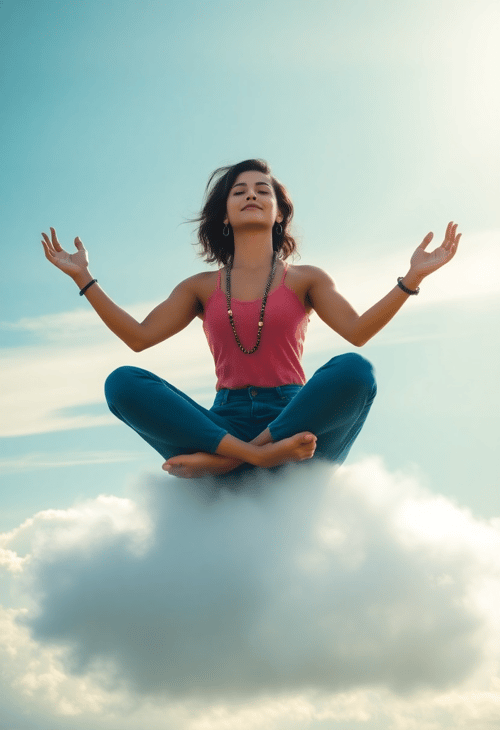
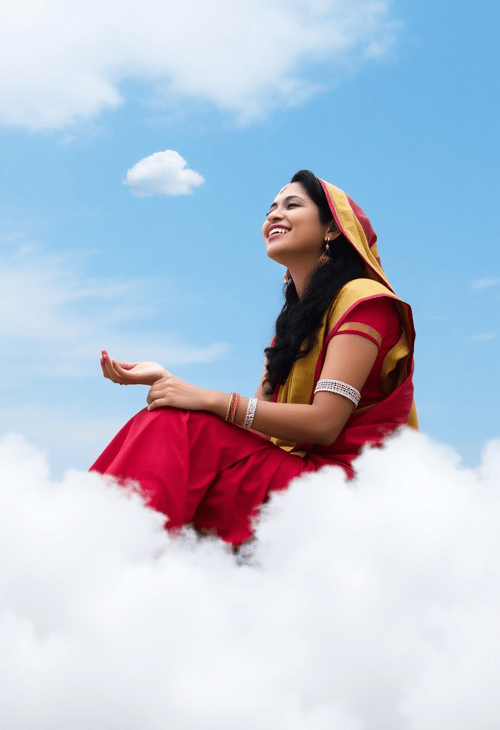
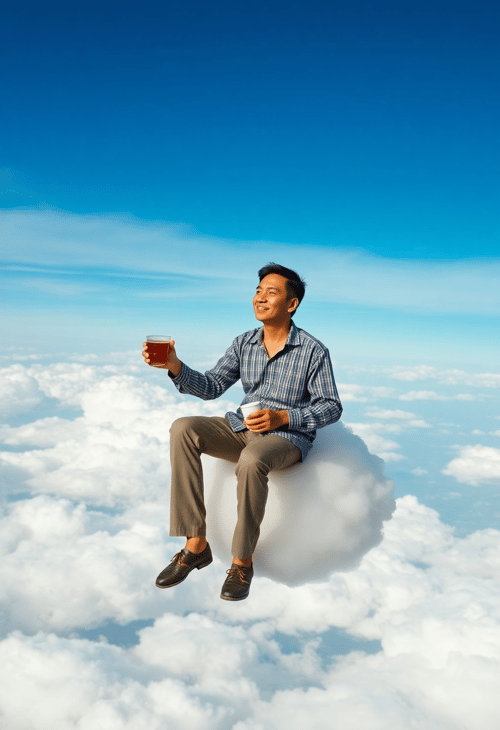

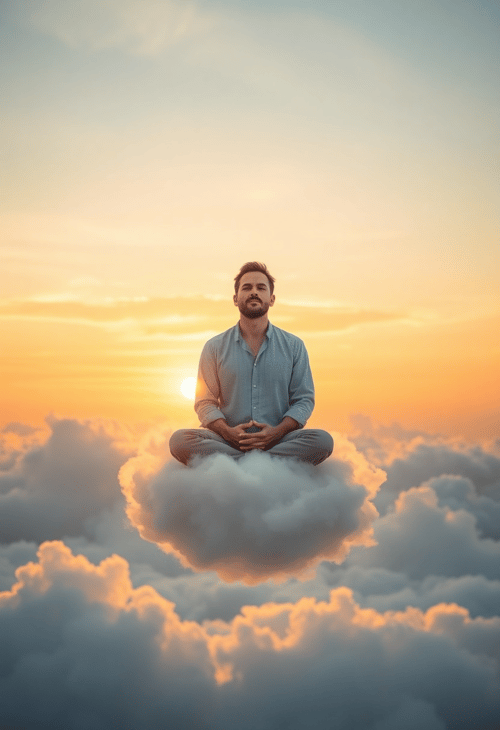
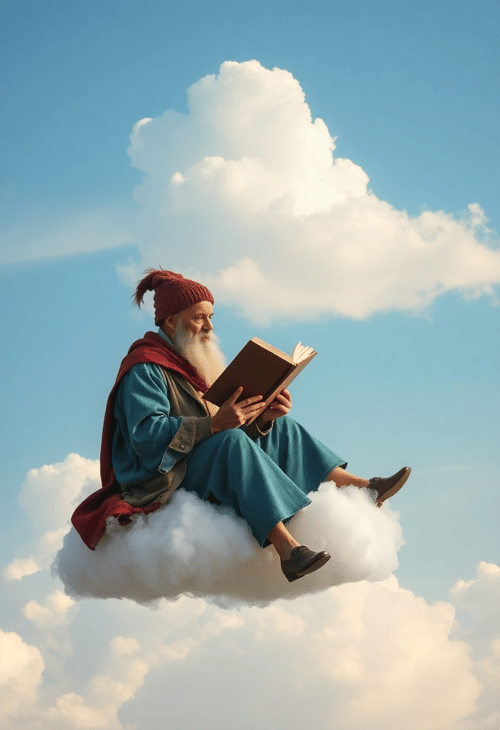
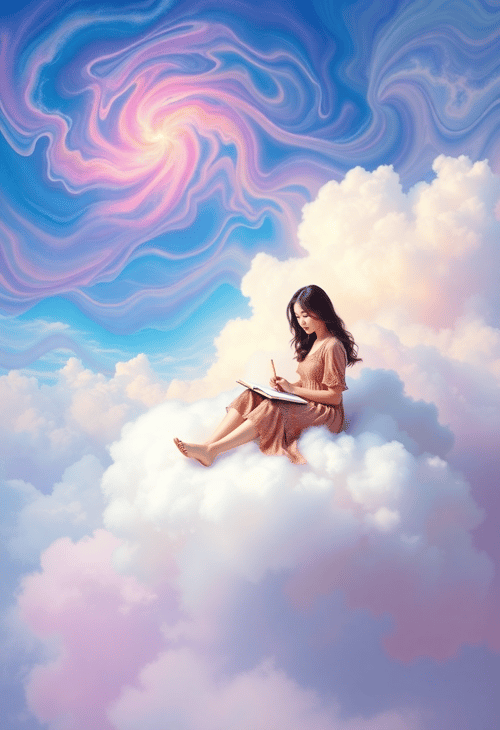

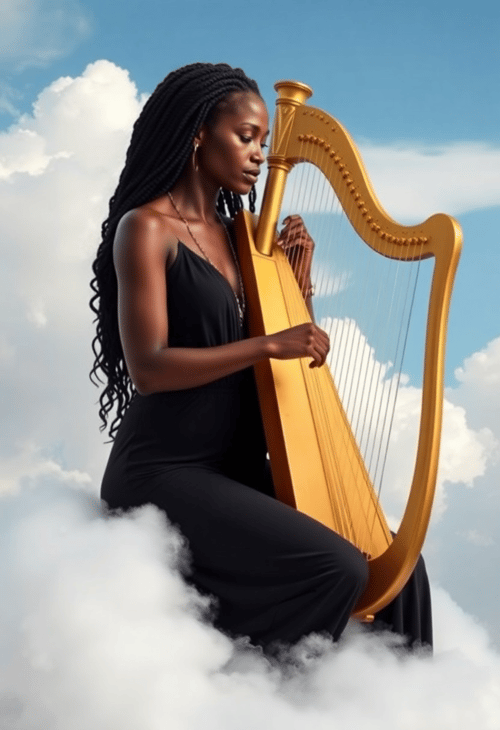
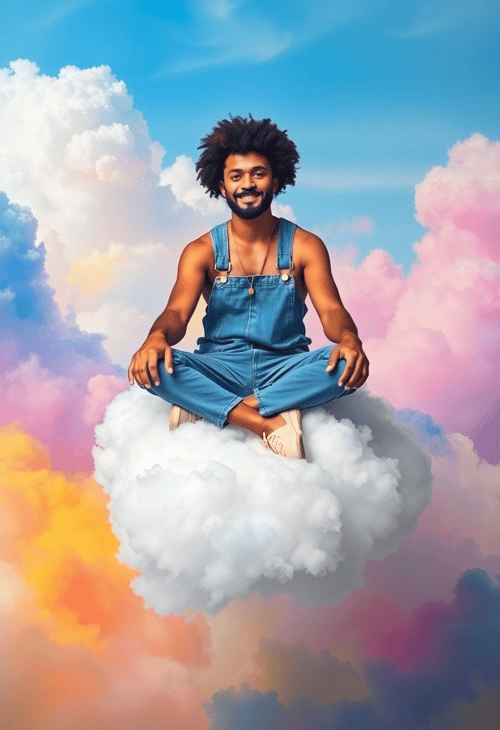


How it Works
Add a Prompt
Enter a short description of the image and style you want to create in the prompt box. Use negative keywords to exclude elements you don't want in your image. This ensures that AI tries to understands exactly what you're looking for.
Hit Generate
With your prompt ready, click the "Generate" button. Pincel will then process your request and create a new and unique image each time.
Download or Try Again
Once your image is ready, you can download it immediately. The prompt is saved in the file name. If it's not quite right, simply adjust your prompt or try to generate again with the same prompt for different results. Each render has a unique seed value.
Frequently Asked Questions
Can I use images commercially?
Yes, you can use the images for commercial purposes, including reselling and modifying.
What is the image size?
Images are generated in 1024px square, 768x1024px for portraits, or 1024x768px for landscape. You can also upscale and enhance them 2-3x using the Pincel Upscaler and AI detailer.
What styles can I create?
The style possibilities are endless and depend on your prompt. You can achieve any style from photorealistic to sketch by specifying it in your prompt.
Can I use another photo as reference input?
For this, it is better to use the Pincel AI Image replicator, which is the img2img version. You can insert a photo as reference, add a prompt and control the similarity with a slider.
Can I use images for printing?
Sure, just make sure to upscale them using our Pincel Upscaler before printing.
Can I remove the background?
Yes, but for best results, use Pincel's direct transparent PNG AI generator tool.
What else can I do with Pincel?
With Pincel, you can transform yourself into an AI model, change outfits using AI or create simulated interior photos.

Tools
Let's Socialize
Smart and easy image editing by @ramos_pincel